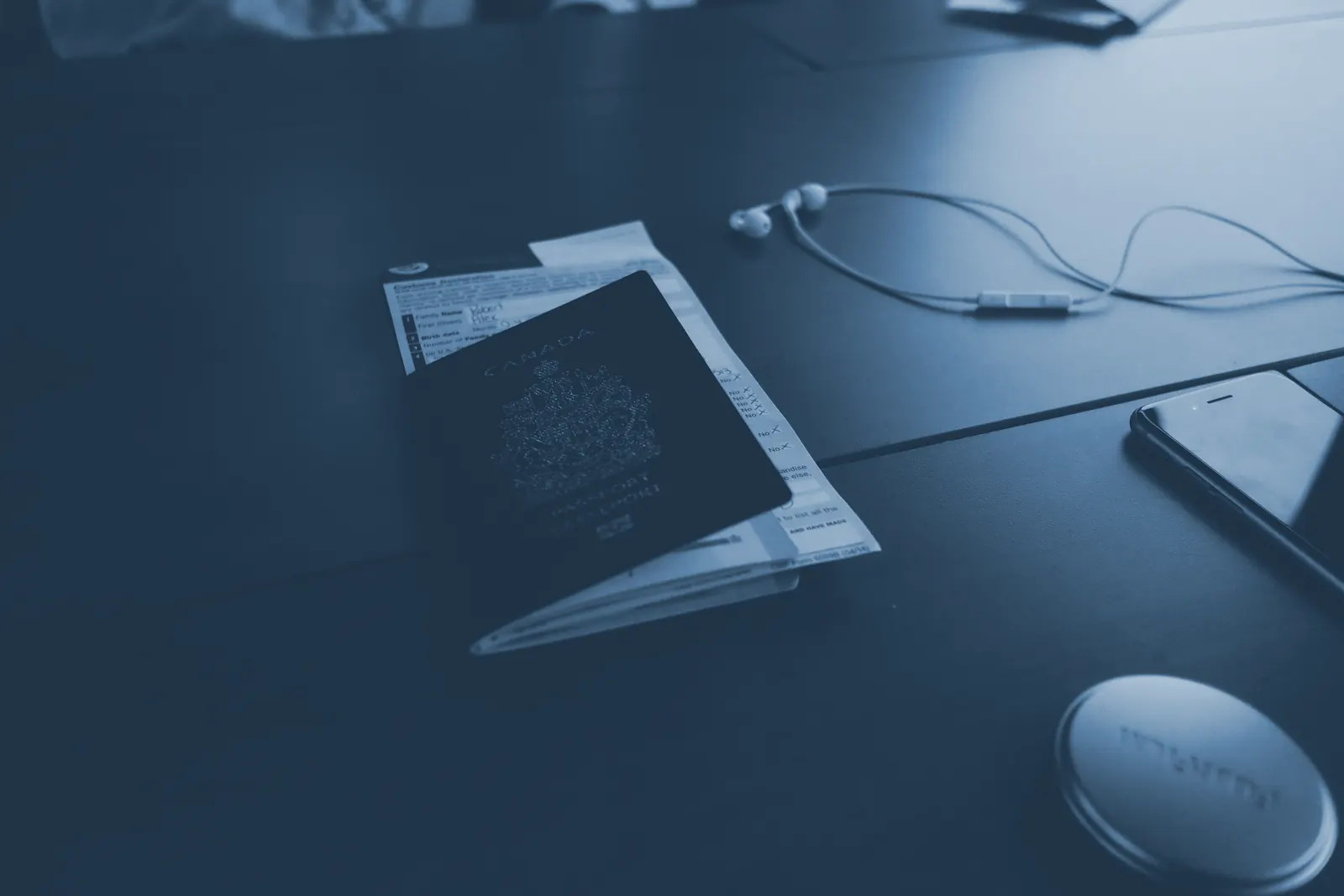
An identity document
You need one government-issued identity document. Any of these works:
- Passport
- Driver licence
- National identity card
The document must be current — expired documents cannot be verified — and physically with you, because you photograph the real document during setup. Photocopies, screenshots and photos of photos are rejected by the capture checks.
A smartphone
The wallet runs on Android and iOS phones. For the core setup you need:
- A working camera — used for the document scan and the selfie
- A screen lock set up (PIN, fingerprint or face) — the wallet relies on it as the first line of defence
- An up-to-date operating system, so the platform security features the wallet uses are current
For the Trusted level: secure hardware
The highest verification level uses your phone's built-in security hardware. If you want to reach Trusted, your phone also needs:
- A fingerprint or iris sensor (fingerprint sensors on most modern phones qualify)
- Support for device integrity attestation — Google Play Integrity on Android, or Apple App Attest on iOS. Most phones from recent years support this automatically.
Rooted or jailbroken phones
Device integrity attestation fails on phones that have been rooted or jailbroken, so the Trusted level is unavailable on them. Standard verification may still work, depending on the device's state.
Ten minutes, good light
The whole flow takes about ten minutes. Two practical tips prevent most retries: sit somewhere with even lighting and no glare behind you, and put your document on a plain, dark surface when scanning it.
What you do not need
- No printer, no paperwork — everything happens in the app.
- No account with anyone else — the wallet is not linked to myGov, banks or any other login.
- No payment — the software is free and open source.
Ready? Continue to Set up your wallet for the step-by-step flow.